When students search for a study planner, they usually run into two unsatisfying options. The first is a classic planner: a calendar, a printable timetable, or a task manager that helps with dates but says almost nothing about the material itself. The second is a more general workspace tool that can hold notes and files but still leaves the student to invent the actual study system from scratch. Both can be useful, but neither automatically solves the real university problem, which is that one course often gets scattered across too many places.
That fragmentation is what makes exam season feel heavier than it should. The lecture slides may be in one folder, the revision notes in another app, the unresolved doubts in a class chat, and the syllabus in a PDF that gets reopened only when stress starts rising. In practice, a study planner for university students should reduce that fragmentation. It should help a student understand the shape of a course, keep the material connected to that structure, and make revision decisions easier when time matters most.
A university study planner is more than a calendar
A normal planner helps you remember that an exam exists. A real study planner helps you prepare for it. That difference sounds simple, but it changes the kind of tool students actually need.
Exam preparation is not one task. It is a chain of connected work. Students need to understand the syllabus, break the course into reviewable topics, keep notes and files attached to the right chapters, capture open questions while studying, and track what still feels weak before the exam. If that workflow is spread across a calendar, a notes app, a cloud drive, and a group chat, every single step becomes slower. The student is not only studying the course; they are constantly rebuilding the context around the course.
That is why a university study planner should not be evaluated only by whether it can hold deadlines. The better question is whether it can help students move through the actual academic workflow in a structured way.
What students actually need from a study planner
The first thing students need is course-level structure. University work is not a random stream of documents. It lives inside degree programs, academic years, and courses. A study planner becomes immediately more useful when it reflects that reality, because students can see where each subject belongs in their wider workload instead of keeping that structure in their head.
The second need is a topic map for the syllabus. Long courses become easier to revise when they are split into chapters and subtopics. A topic tree is valuable because it gives the material shape. It lets students answer practical questions quickly: which chapters still have no notes, which topics still feel difficult, and which files belong to this part of the course?
Students also need notes that stay attached to the right topic. A note is much easier to retrieve during revision if it stays linked to the chapter it explains. The same is true for files. Lecture slides, PDFs, past papers, and reading packs become much more useful when they live in a course structure with context instead of in one large storage pile.
Another requirement is doubt tracking. Students accumulate questions constantly as they study, but those questions usually end up inside temporary spaces such as chat threads or screenshots. A serious study planner should give those doubts a stable home so they can be revisited, answered, and eventually resolved.
Finally, students need exam visibility. Exam dates, countdowns, course status, and topic gaps matter because they help turn a vague sense of pressure into a more practical plan. Once those things are visible, it becomes easier to decide what to do next instead of simply feeling behind.
What Supastudy means by "study planner"
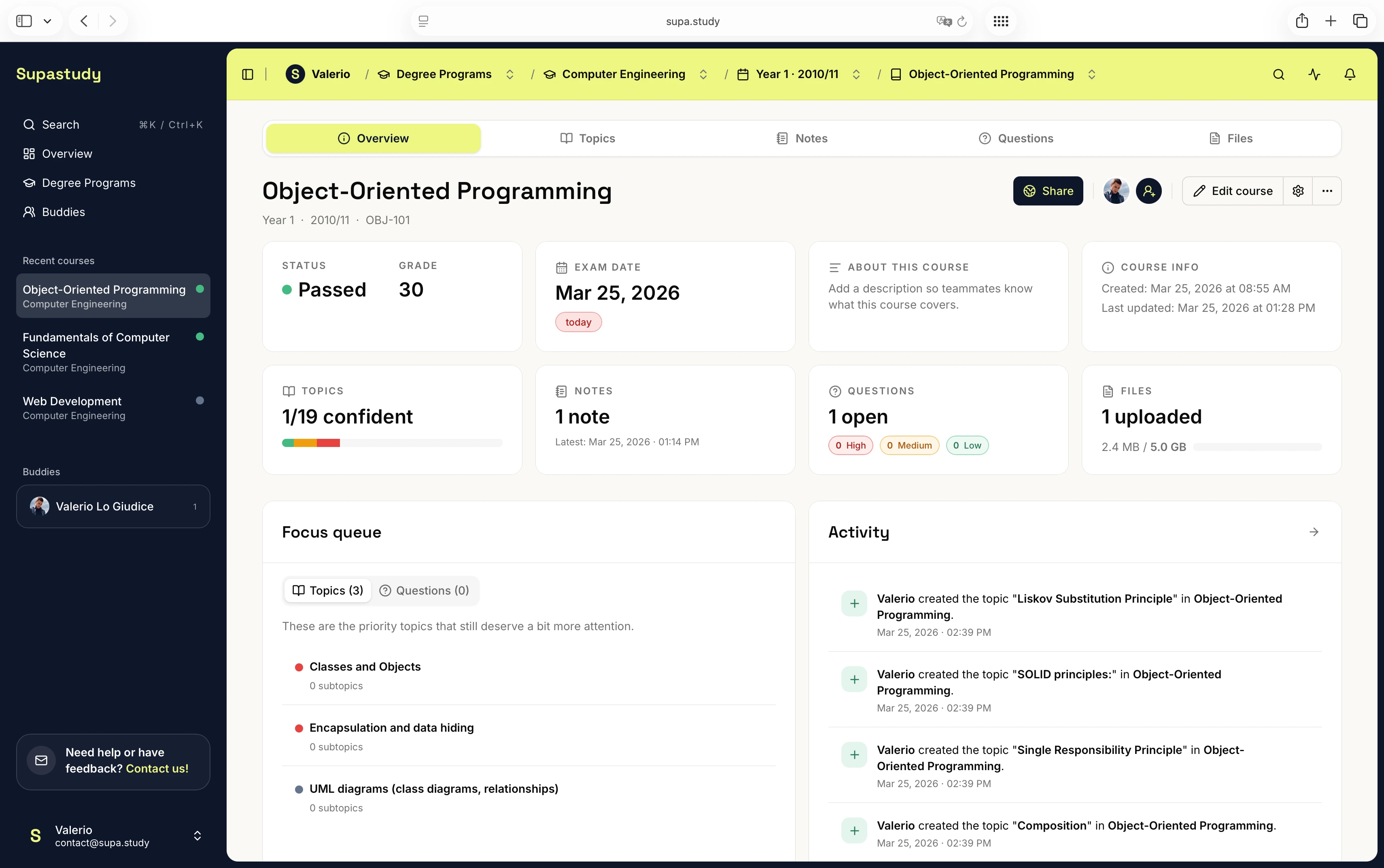
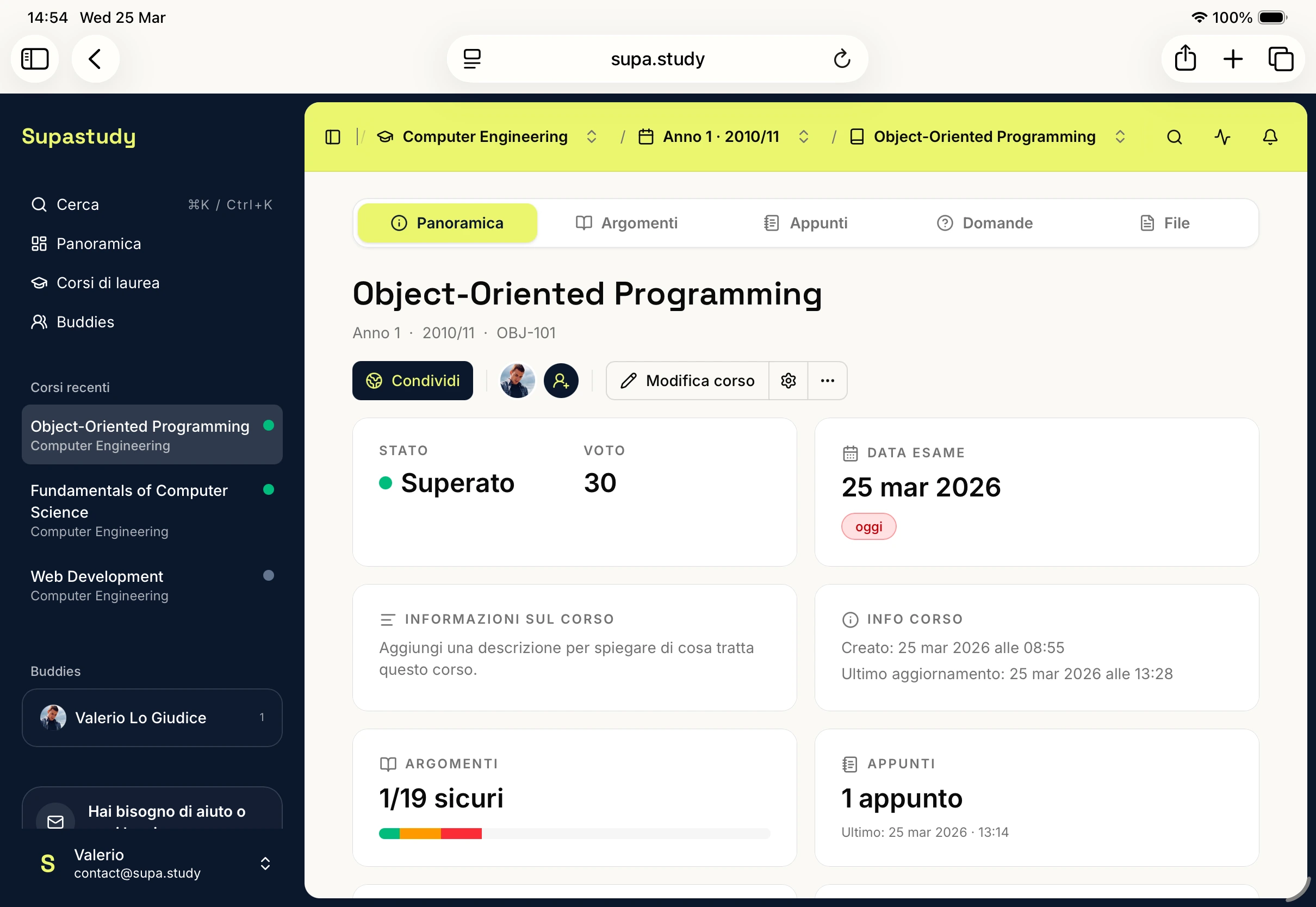
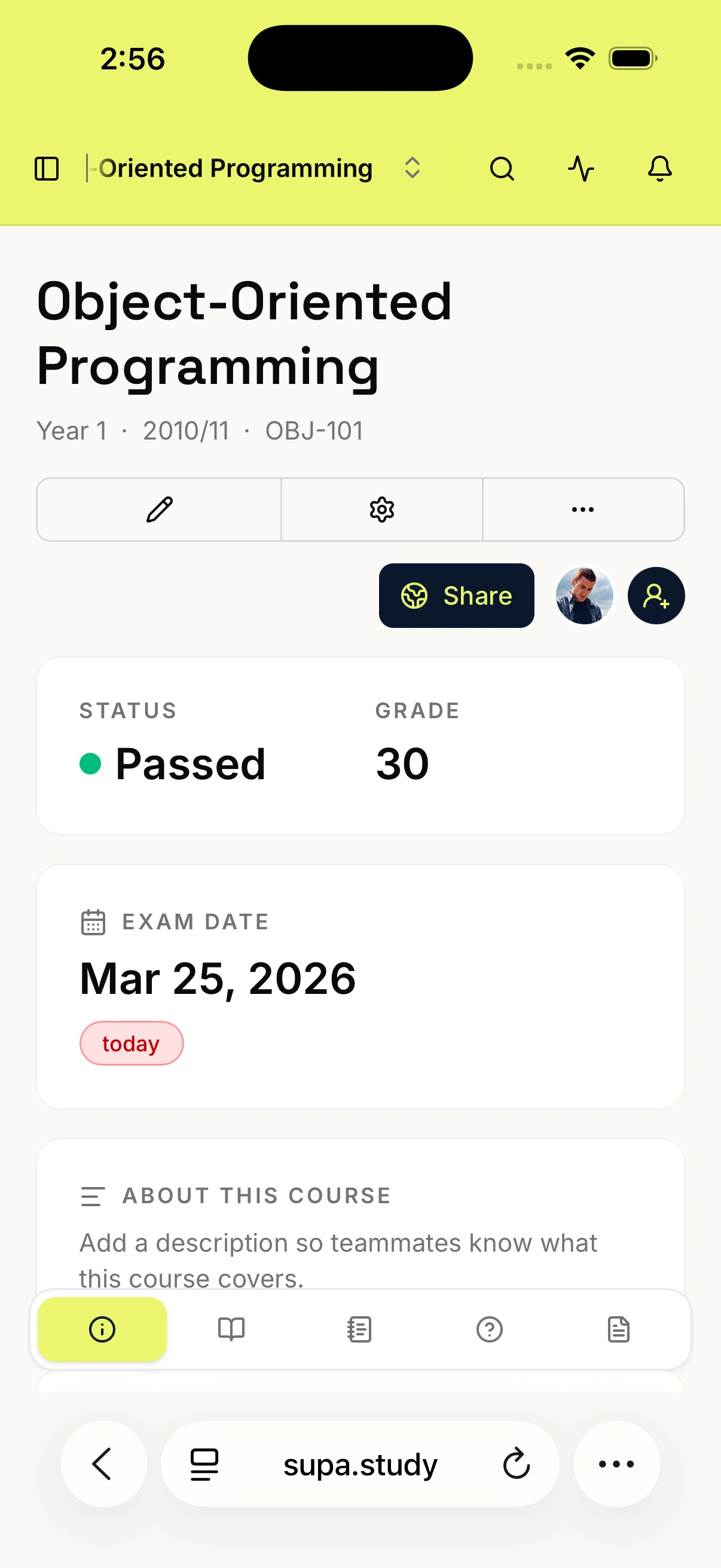
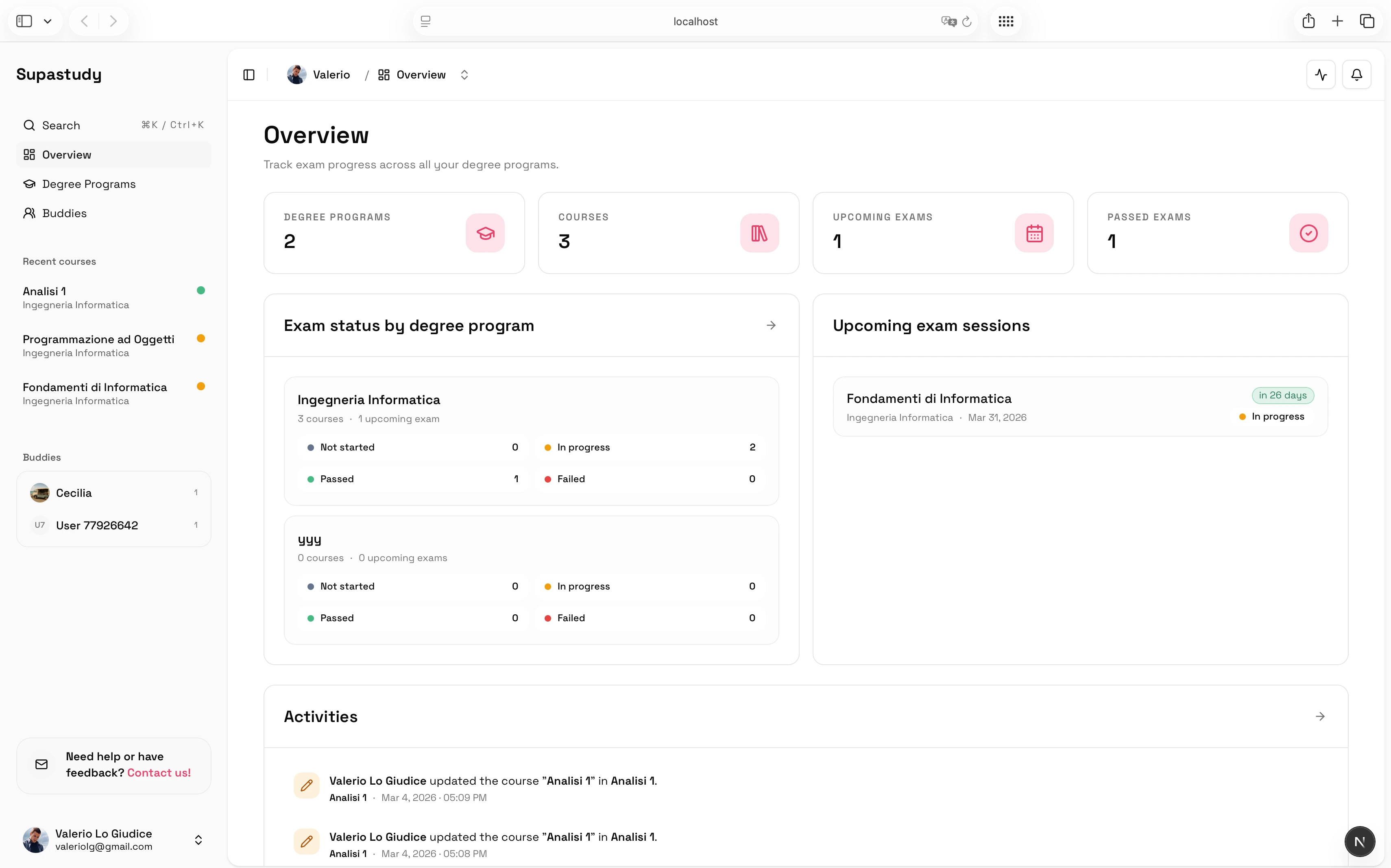
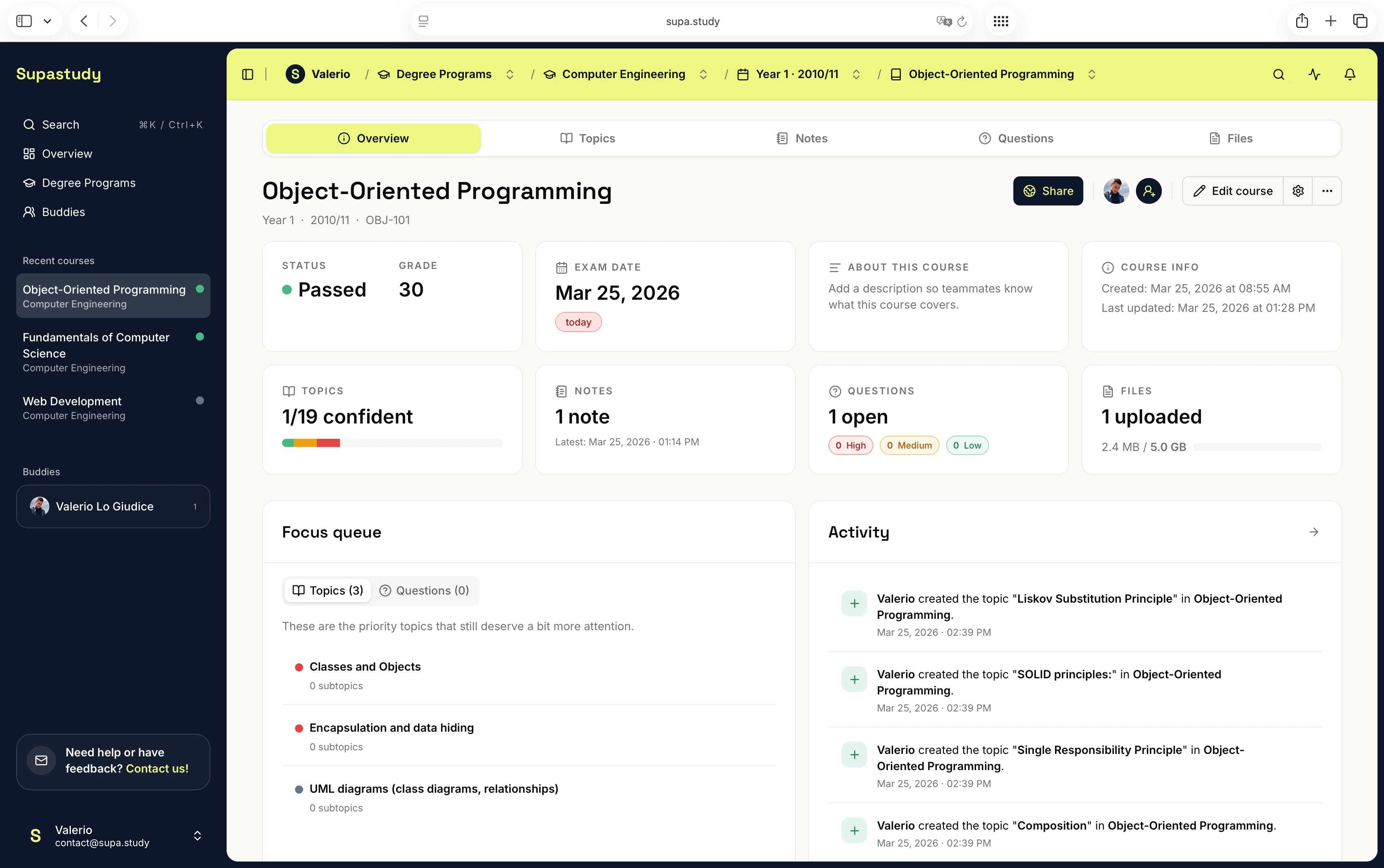
Supastudy is built around the idea that every course should have one home. Inside that home, students can organize degree programs, courses, topic trees, notes, files, questions, exam dates, and collaboration in a single workflow. That means the planner is not just a task list layered on top of the material. It is the course workspace itself.
This matters because the course is the real unit of work. Once the course becomes the container, the rest of the workflow becomes easier to connect. Notes can stay linked to topics. Files can stay attached to the same chapters. Questions can live inside the context that produced them. Overview and exam status become more meaningful because they are attached to the same structure rather than to a separate planning tool.
If you want the product-level overview first, read Introducing Supastudy. If you want the practical workflow, start with How to Turn a Syllabus Into a Study Plan.
A simple Supastudy workflow example
In practice, study planning inside Supastudy often starts in a very simple way. A student creates a degree program, adds the course, and then turns the syllabus into topics. From there, the course becomes the backbone for everything else. Notes are linked to the relevant chapter, lecture files are stored in course folders and connected back to the right topic, and open doubts are saved as questions instead of being lost in scattered places.
Once the exam date is added, the course overview becomes much more useful. The student can see not just that the exam exists, but what still needs attention before reaching it. That is a better fit for university study than trying to coordinate one planner, one drive, one notes app, and one chat thread every time revision starts.
Who benefits most from this kind of planner?
This kind of planner is especially useful for students who prepare for oral or written university exams, who keep losing time searching through PDFs and chat threads, or who want one place for both solo study and shared course work. It is also strong for students managing several courses in one semester, because it replaces a vague pile of material with a clearer academic structure.
If your biggest pain point is note organization, the next best read is How to Organize Study Notes by Topic Instead of by Date. If your biggest pain point is collaboration, go to How to Study With Classmates Without Losing Materials in Chat.
The practical definition
A study planner for university students is a system that turns a course into a structured, reviewable workspace. It should help students organize topics, keep notes and files in context, track open questions, and understand what still needs attention before exam day. That is the standard worth using when comparing tools.
If an app can store content but cannot help a student move through the real exam-preparation workflow, it is probably a general productivity tool, not a true study planner for higher education. The difference is not about branding. It is about whether the tool reduces friction in the parts of studying that usually become chaotic.
If you want to try that workflow with one course first, you can sign up for free. If you want the plan limits and collaboration details first, visit the pricing page or the FAQs.