Many students take notes by date because it is the easiest system to begin with. A lecture happens, so the note gets named after the lecture. A week passes, so the summary gets grouped under that week. In the short term, that approach feels natural because it mirrors the order in which classes happen.
The problem appears later, when the student is no longer asking "what did we do on Tuesday?" and starts asking "where is my material for membrane transport?" Exam preparation almost always happens by topic, not by calendar order. That is why date-based notes often feel manageable during the semester and frustrating during revision. If you have ever known the concept you needed but had no idea which file name contained it, you have already felt the weakness of the system.
Why date-based notes break down before exams
Date-based notes answer one question very well: when did I write this? Exam prep usually needs a different question answered: where is my material for this chapter? That difference gets more painful when lectures move across multiple themes, when one topic is covered over several classes, when one note contains content from more than one chapter, or when slides, PDFs, and questions live in completely separate places.
A revision-friendly system should follow the logic of the course, not only the logic of the calendar. Otherwise, students end up translating their notes every time they study. First they remember the concept, then they try to remember when it was covered, then they try to guess which file or document might contain it. That extra retrieval effort is exactly what a better note system should remove.
What topic-based notes look like
A topic-based system starts with the course outline. Instead of treating each note as an isolated page, the note becomes part of a larger map. A summary on mitochondria belongs to cell structure. A case law overview belongs to judicial review. A recap of sorting algorithms belongs to algorithms and data structures. The note can still be written after a specific lecture, but it is stored and retrieved through the topic it supports.
The practical benefit shows up immediately during revision. A student can open the chapter and see the material that explains it, rather than browsing a long chronology of notes and hoping the right one stands out.
A simple structure that works
For one course, the strongest setup usually begins with a topic map. Once the course is broken into chapters and subtopics, each note can be linked to the section it actually explains. Files such as lecture slides, PDFs, reading packs, and past papers become much more useful when they sit next to the note instead of in a separate file silo. Questions matter here too. If a note still leaves one doubt unresolved, that question should live in the same topic so the student does not end up with yet another disconnected source of truth.
The point is not to create a complicated system. The point is to give each piece of material enough context that it can be found again when needed.
A Supastudy workflow example
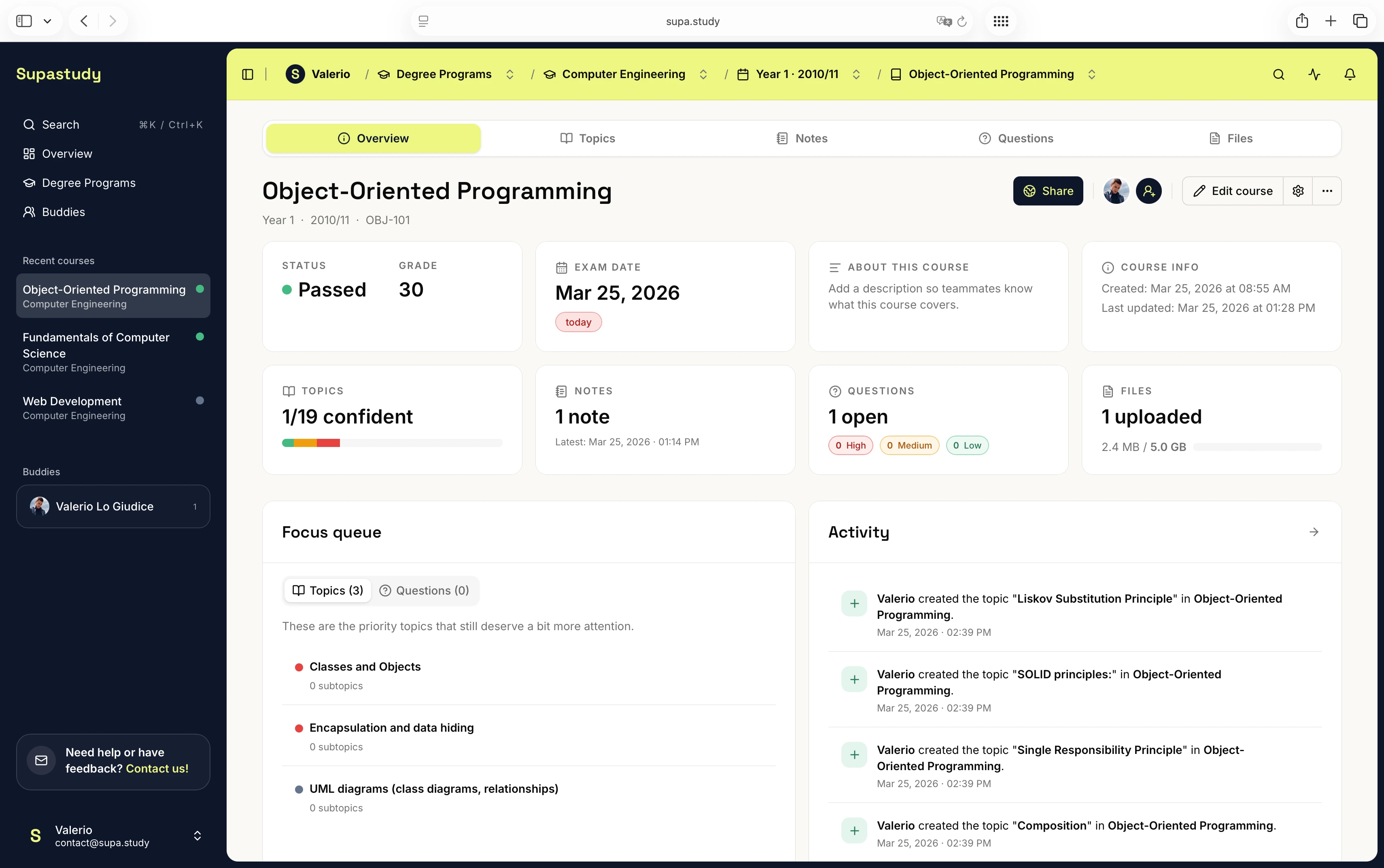
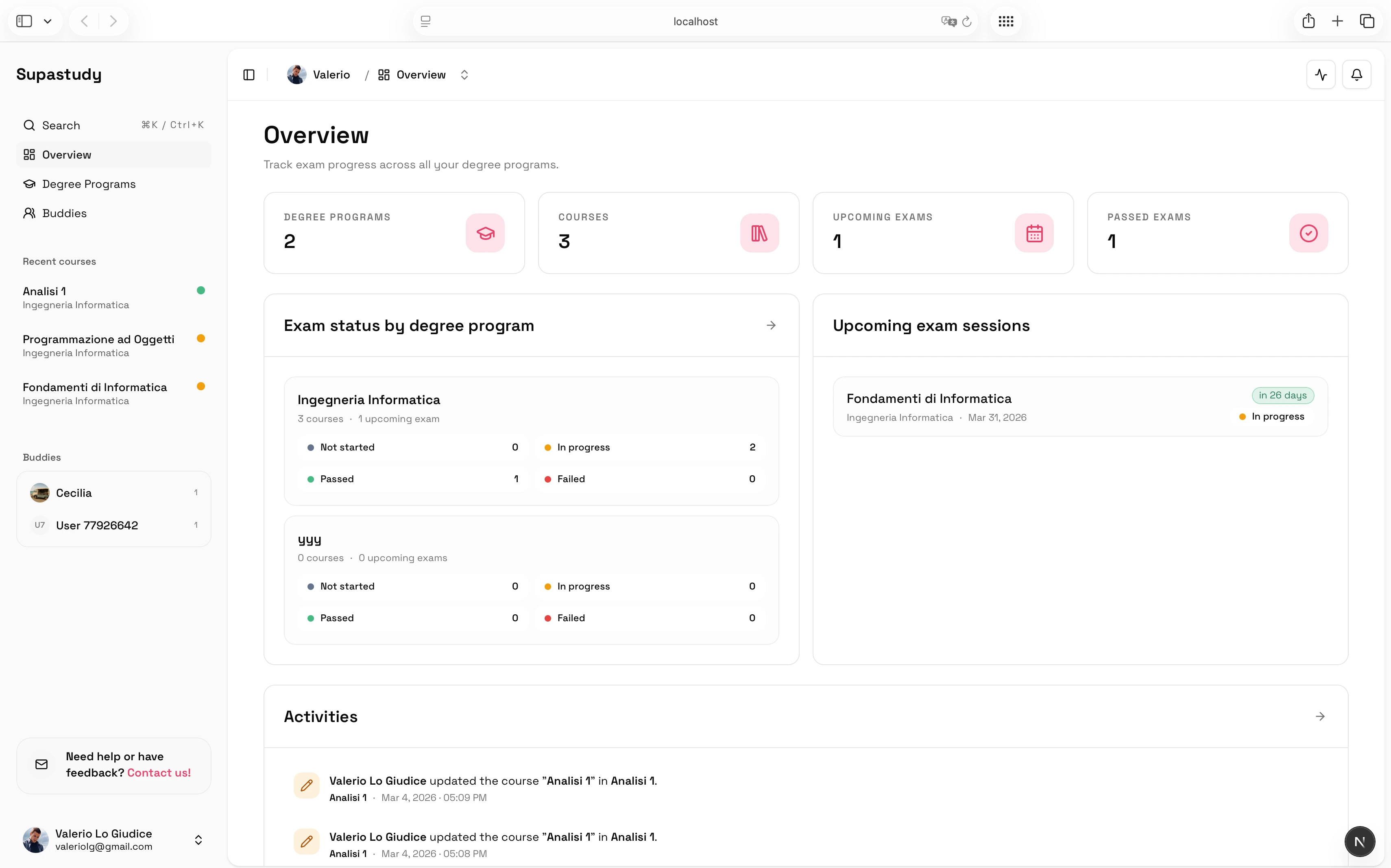
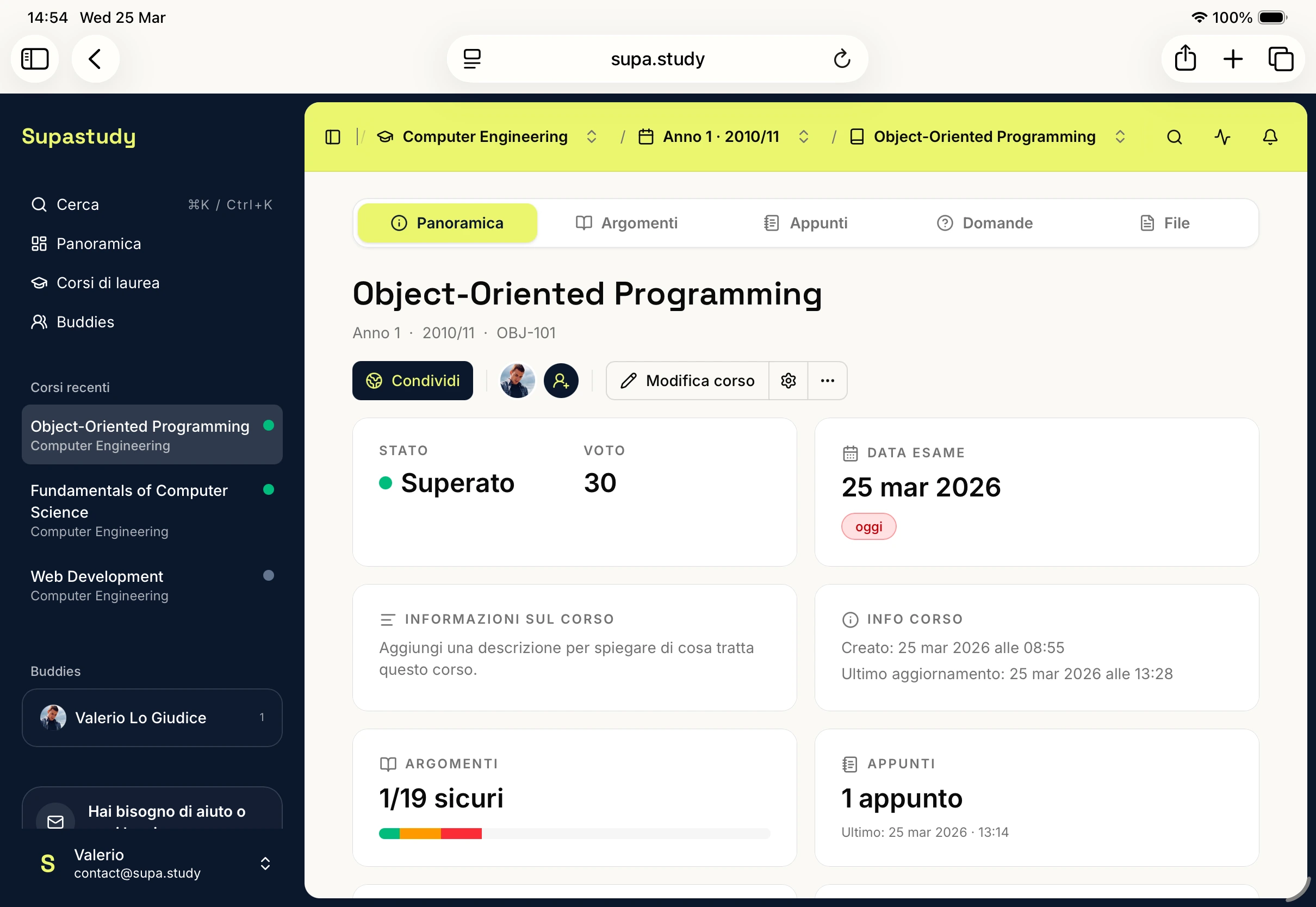
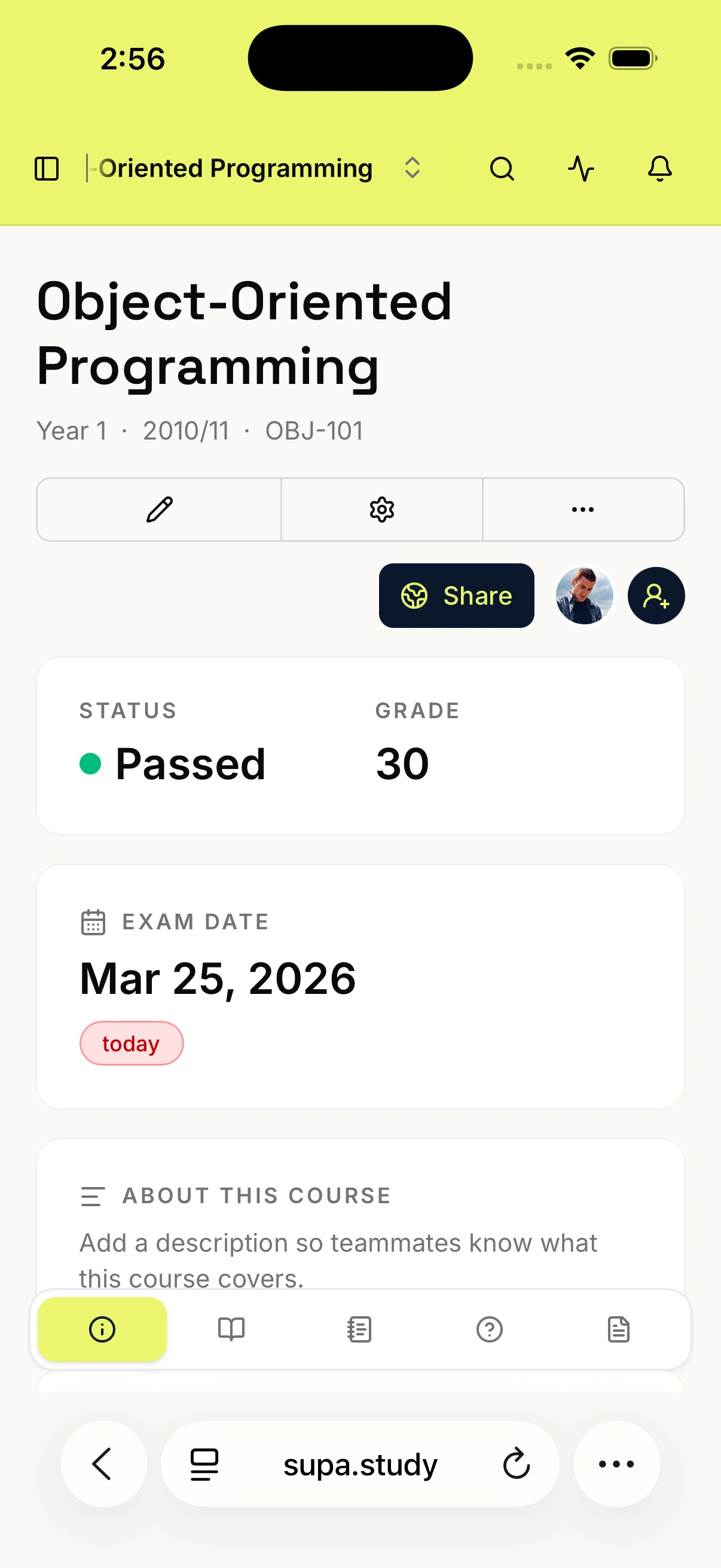
In Supastudy, a practical topic-based notes workflow starts by building the course topic tree from the syllabus. Students can then create or import notes as they study, link each note to the right topic or subtopic, attach lecture slides or PDFs to the same chapter, and save questions under that same area when a concept still needs clarification.
At that point, the topic page becomes a small study hub rather than just a label. It can show the related notes, linked files, open questions, and resolved answers that belong to that part of the course. That is much more useful than browsing a long list of notes sorted only by creation time.
How topic-based organization improves revision
Topic-based organization improves revision in a few ways at once. It reduces search time because students no longer need to remember whether something was in "Lecture 6 notes" or "final summary v2." It makes gaps visible because a topic with no note is much easier to spot than an absence inside a date-based archive. It also makes updates cleaner, since later revisions can be folded back into the same chapter instead of generating a second disconnected note. And if the course is shared with classmates, topic-based notes are easier for everyone to understand because the structure is common even when writing styles differ.
When date labels still help
This is not an argument against dates entirely. Dates are still useful as supporting metadata. They help with lecture chronology, weekly review, and quick capture during class. The key is that the date should not be the only retrieval system. Topic context should come first, and dates should stay as a secondary layer.
A better way to handle mixed lecture notes
Sometimes one class covers several topics. In that case, you do not need to force the note into a single chapter. Link it to multiple topics so it stays discoverable from every relevant section of the course.
That is one of the main advantages of using topic links instead of rigid note folders.
Good note organization is not just about notes
A common mistake is treating note organization as a writing problem only. In practice, note organization also includes lecture slides, textbook excerpts, past exams, questions and answers, and the broader question of exam readiness. That is why the best note systems are tied to the full course structure rather than to one isolated notebook or one folder of documents.
If you want to go one step earlier in the process, read How to Turn a Syllabus Into a Study Plan. If you want to move from organized notes to active revision, read How to Build an Exam Study Plan From Your Syllabus.
Final takeaway
Date-based notes are fast to create, but topic-based notes are much easier to revise from. When your notes, lecture slides, and questions all stay linked to the right chapter, studying becomes less about searching and more about understanding.
If you want to build a topic-based notes system inside one course workspace, you can start for free. If you want to see how that compares with a more generic file-and-doc workflow, read Supastudy vs Google Drive and Docs for Course Organization.