Notion is one of the most common tools students consider when they want to organize coursework. That makes sense: it is flexible, it can hold notes and databases, and it can be shaped into many different workflows.
The question is not whether Notion is useful. The real question is whether a blank-canvas workspace is the best fit for university exam preparation. For many students, the answer depends less on raw features and more on how much system-building they want to do for themselves.
The core difference
Notion is a flexible workspace. Supastudy is a course-first study planner. That means the starting assumptions are different.
With Notion, students usually create their own structure from scratch through pages, databases, templates, and custom views. That flexibility can be powerful, but it also means the student is responsible for deciding how the syllabus should be represented, how notes and files should connect back to the course, and how open questions should be tracked over time.
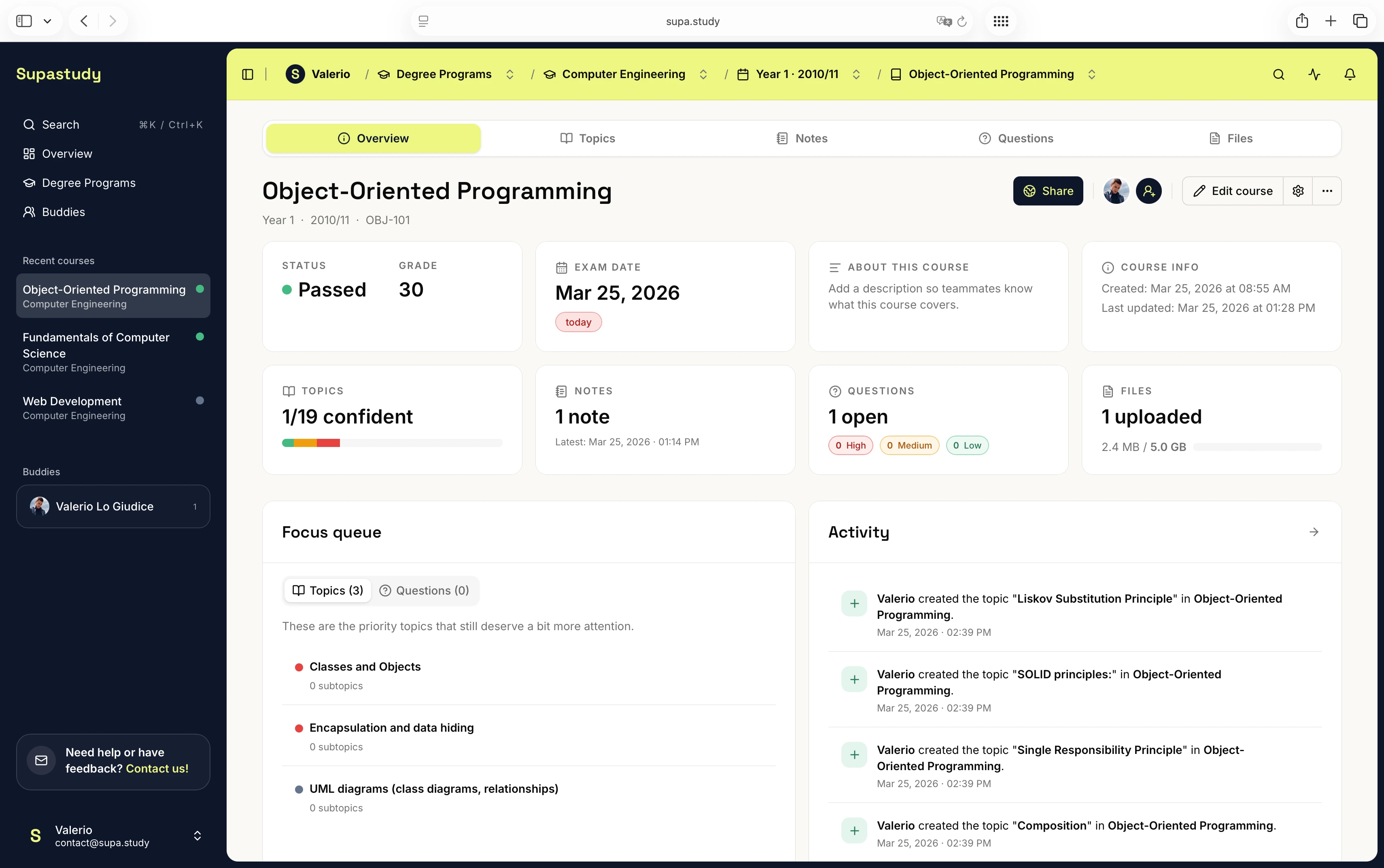
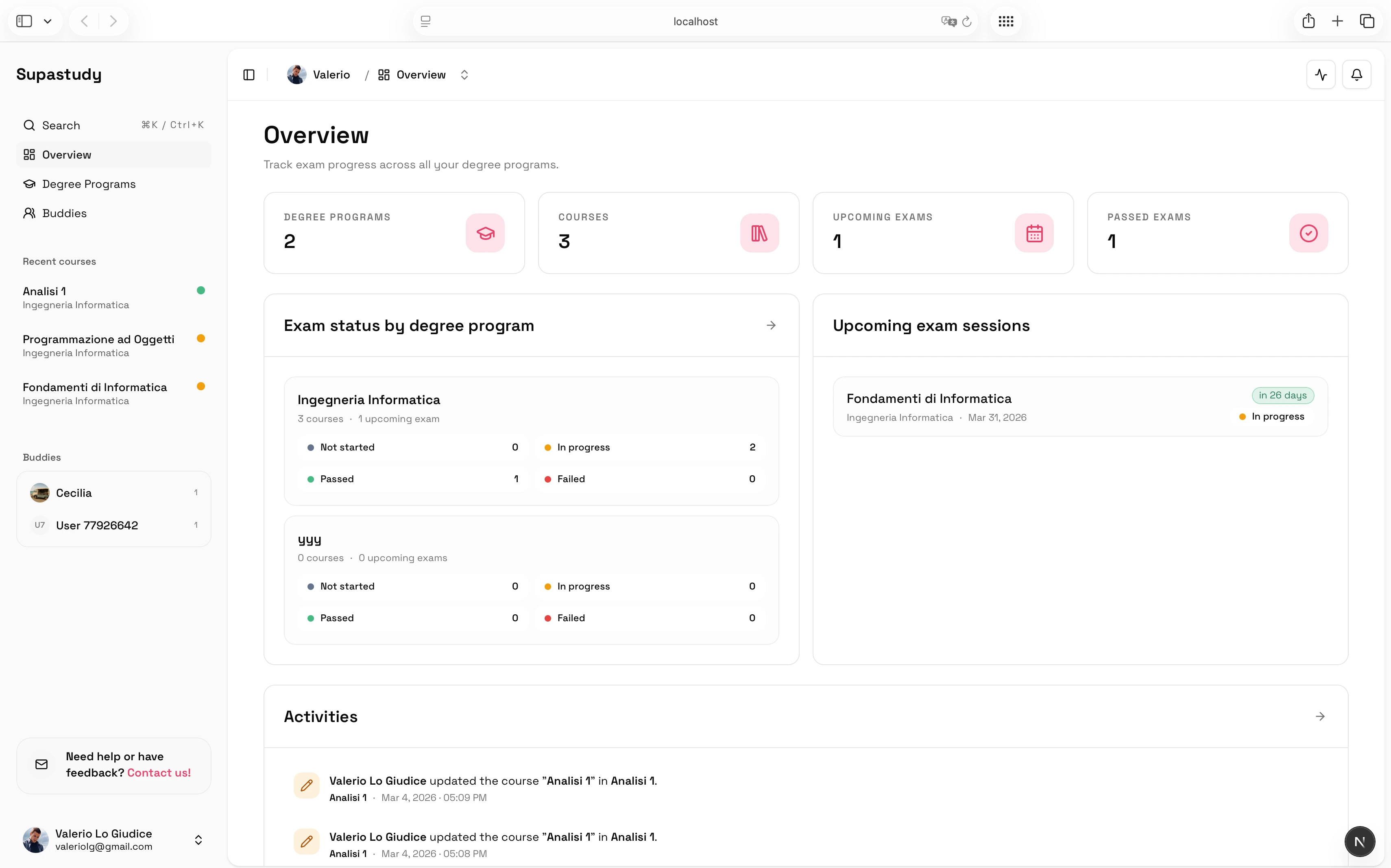
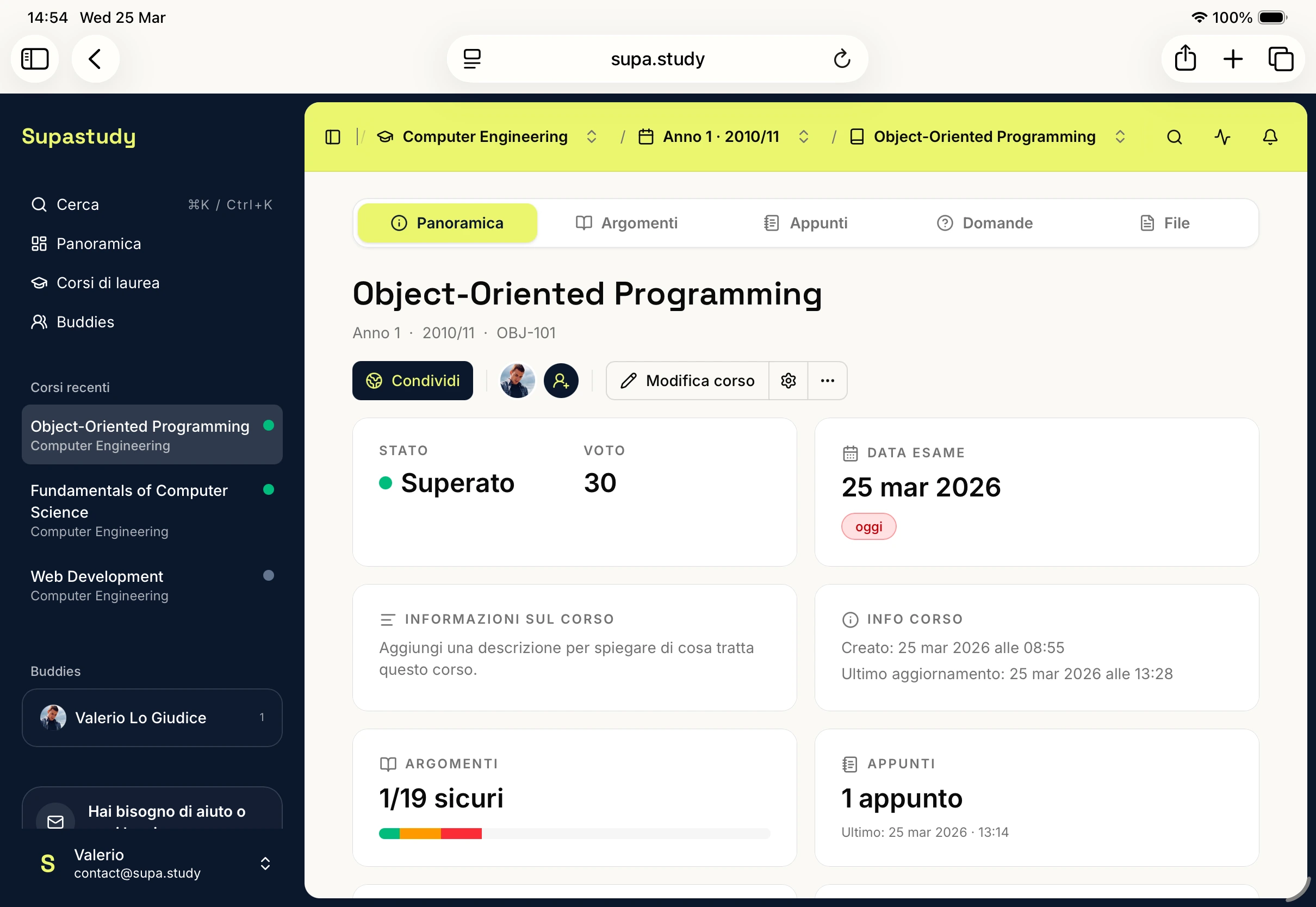
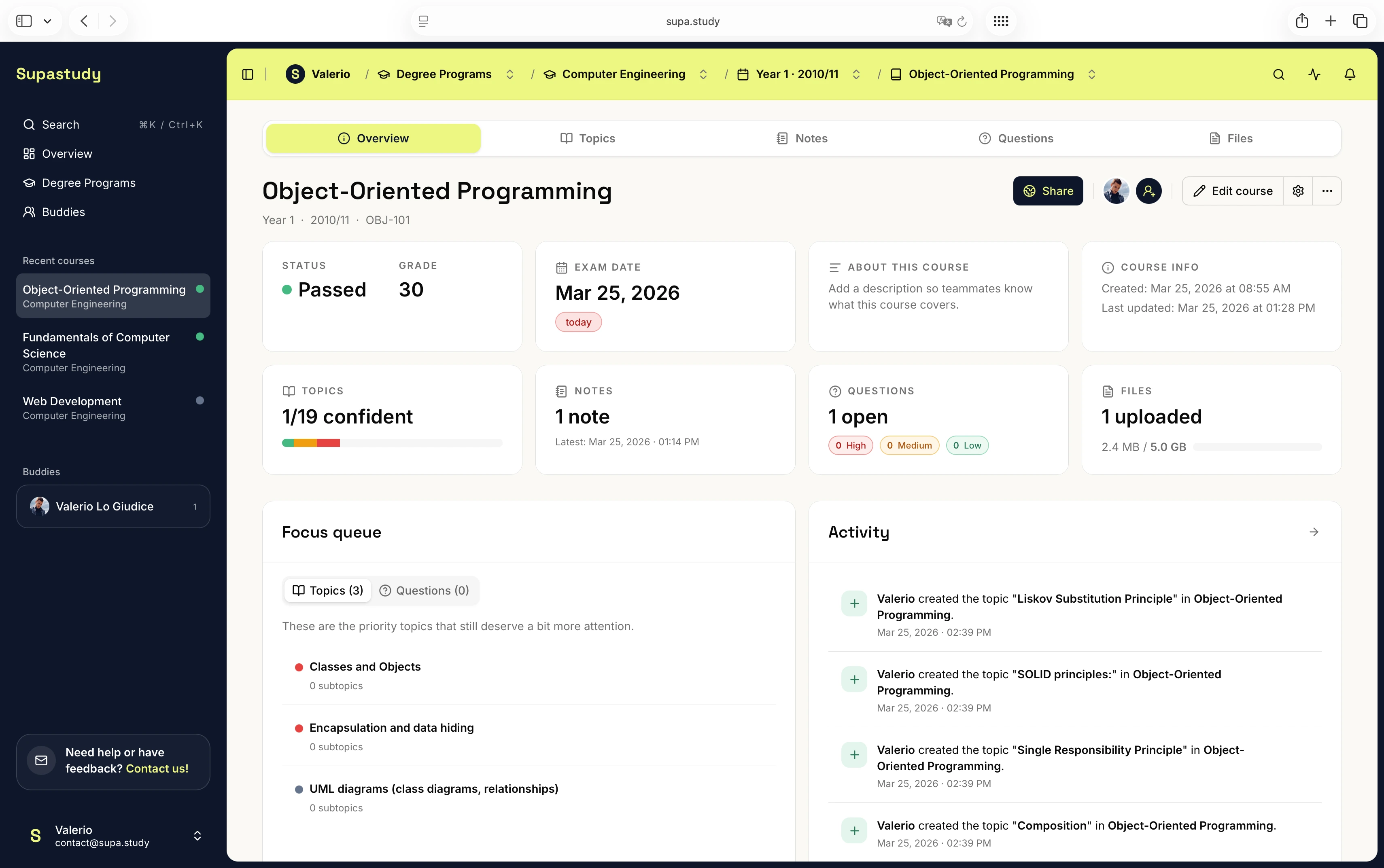
With Supastudy, the structure is already centered on what university students tend to need most: degree programs and courses, topic trees, linked notes, course files and folders, questions and answers, exam dates and course status, and shared or public course workflows. In other words, one tool starts from a blank canvas while the other starts from the course.
What Notion is really offering students
Notion is strong when a student wants a general workspace that mixes class planning, personal organization, writing, and project management in one place. It is also strong for people who genuinely enjoy designing and refining their own setup. For those students, flexibility is not overhead; it is part of the appeal.
That matters because some students do not actually want an opinionated study product. They want a system-builder. They want to decide whether their course structure should be a database, a wiki, a folder of pages, or a set of linked templates. They may want to use the same environment for internship planning, habit tracking, meeting notes, and coursework. Notion handles that kind of broad personal workspace well.
Where flexibility starts turning into maintenance
The tradeoff is that flexibility also creates maintenance work. Students often need to decide for themselves how to represent the syllabus, where course notes should live, how files connect back to chapters, how unresolved questions should be tracked, and how to tell what is still missing before the exam.
That can work very well for some people, especially if they enjoy designing systems. But it also means the course structure is something the student has to invent and maintain rather than something the product already understands. For exam-heavy study, that extra layer of design work can become its own source of friction.
The friction is rarely dramatic on day one. It usually appears in slow, cumulative ways. A note gets created quickly but is not tied cleanly back to the chapter it explains. A file is uploaded somewhere sensible enough, but not in a way that makes retrieval easy before the exam. A page about unresolved questions exists, but it is far enough away from the course structure that it stops being updated consistently. None of these problems are fatal on their own. Together, they create the feeling that the system looks organized while still requiring a lot of manual reconstruction during revision.
What Supastudy is opinionated about
Supastudy is designed around the idea that every course should have one home.
The important difference is context. Notes can stay linked to topics, files can be connected to the same chapters, questions can become a structured question bank, topic gaps remain visible, and exam dates and course status sit inside the same workflow. That makes Supastudy a stronger fit when the main goal is exam preparation rather than general workspace customization.
This does not mean Supastudy is trying to imitate every kind of productivity app. It is deliberately narrower. The product assumes that the course is the important unit, that the syllabus should become a visible topic map, and that students benefit when notes, files, questions, and progress signals stay connected to that map. The reward for giving up some blank-canvas freedom is that less system design is required before meaningful study can begin.
A concrete course example
Imagine you are preparing for Organic Chemistry.
In Notion, a student can absolutely build a solid setup, but they will usually need to decide what the structure is first. Should there be one page for the course and subpages for each chapter? Should topics live inside a database? How should lecture files be referenced? Where should unresolved questions go? What view will make revision easiest later? Those decisions are manageable, but they are still part of the work.
In Supastudy, the typical flow is more direct: create the course, turn the syllabus into a topic tree, attach notes and lecture files to each chapter, store open doubts as questions, and track what is still difficult before exam day. That flow is opinionated on purpose. It removes the need to design the system before using it.
When Notion is still the better choice
Notion remains the better fit when a student wants one environment for much more than studying, when they actively enjoy shaping their own workspace, or when the course itself is only one part of a broader personal system. If flexibility is the main product value you care about, Notion has a strong case.
When Supastudy becomes the better fit
Supastudy is likely the better fit when the planner needs to reflect real course structure, when the main goal is exam readiness, when notes, files, and questions need to stay connected by topic, or when students want a shared course instead of a generic shared page. Notion may still be the better choice when someone wants one flexible workspace for study, work, personal life, and writing, or when they actively prefer building and refining their own setup.
This does not have to be treated as an all-or-nothing decision. The practical point is simply that different tools are stronger at different jobs. If the job is "build a flexible personal workspace," Notion has a strong case. If the job is "turn one university course into a clearer exam-preparation workflow," Supastudy has the stronger structure.
What to read next
For the broader category view, read The Best University Study Planners in 2026: Reviews & Comparison. For the course-first workflow, read How to Turn a Syllabus Into a Study Plan. For exam planning specifically, read How to Build an Exam Study Plan From Your Syllabus.
Final takeaway
Notion is strong when flexibility is the priority. Supastudy is stronger when course structure, topic visibility, and exam preparation are the priority.
If you want to compare a course-first workflow directly with your current setup, you can start a course for free. If you want plan details before moving material over, visit the pricing page.