Many study groups do not fail because the people are unmotivated. They fail because the workflow is messy.
Someone shares slides in chat. Someone else posts a summary in a document. A question gets answered in the message thread, but three days later nobody can find the explanation again. Another file gets reposted because nobody remembers where the first version went. That is not a motivation problem. It is a coordination problem, and it is one of the main reasons group study starts with good intentions and ends up feeling inefficient.
Why chat-only collaboration gets noisy
Chat apps are excellent for quick coordination. They are not strong as the main home for course materials. Important files sink under new messages, good answers become hard to find later, nobody is fully sure which summary is the latest one, and the same question often gets asked again because the first answer is buried in history. It gets worse as the exam gets closer and group activity increases, because the volume of messages rises at exactly the moment when students most need clarity.
The deeper problem is that chat organizes information by time, while study groups usually need to retrieve it by topic. A student who is revising renal physiology does not care that the best explanation was posted last Thursday at 7:42 p.m. They care that it belongs to renal physiology and can still be found now. When the main system is chronological, the group is constantly translating between the course structure in their head and the message history on the screen.
What a shared study workflow should do instead
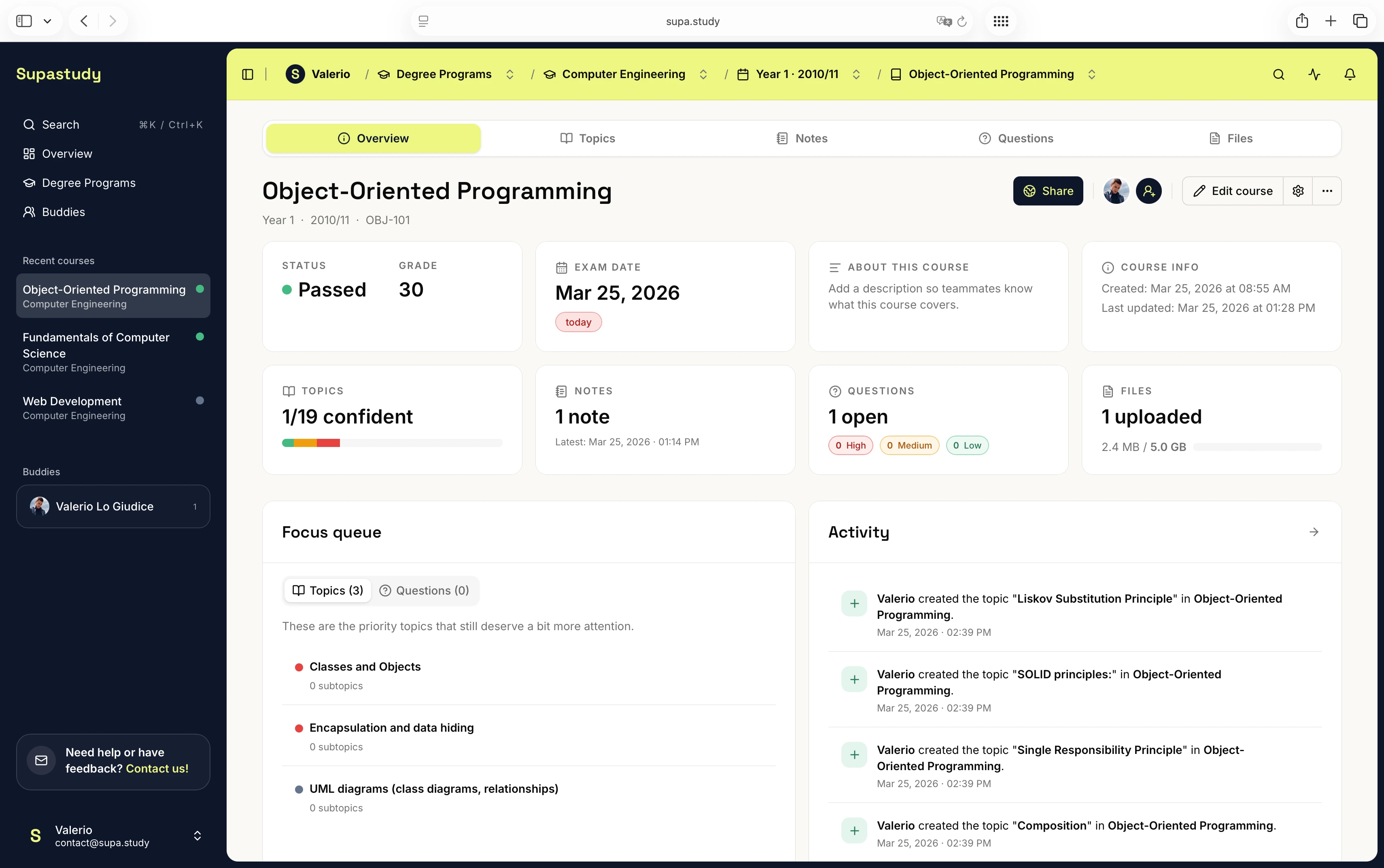
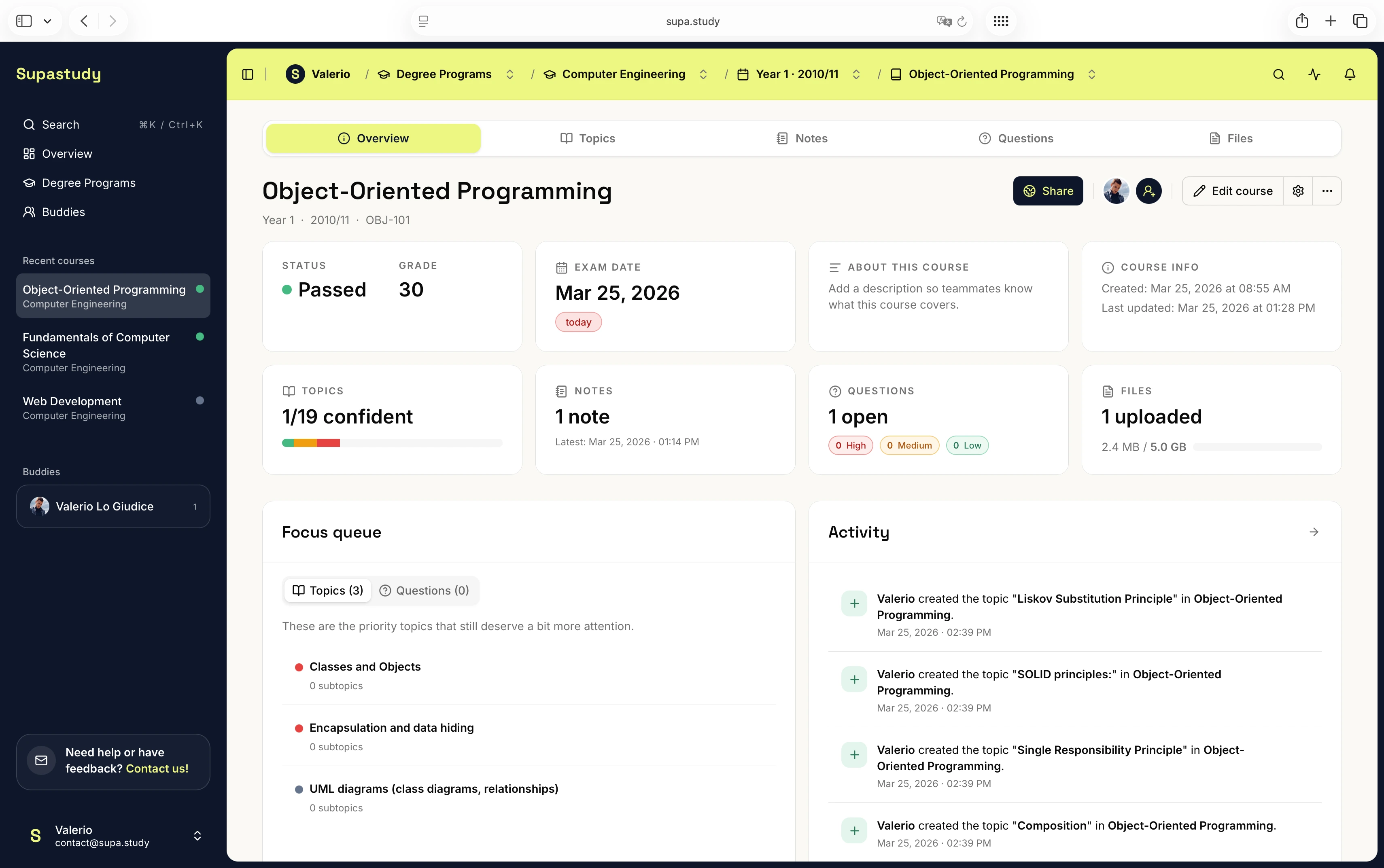
A better system keeps the conversation close to the material instead of separating the two. Notes should belong to the course. Files should live inside folders and topics. Questions should stay attached to the chapter that caused the doubt. Updates should be tied to the item that changed, and group members should be able to follow only the topics and questions that matter to them. When that happens, collaboration becomes easier to revisit because the useful information is no longer trapped inside a timeline.
In practice, that means the group needs a shared memory, not just a shared chat. Shared memory is what lets everyone return to the same chapter, see the same current note, understand which file is relevant, and reuse a good answer without asking for it again. Without that layer, even motivated groups waste time repeating the same coordination work every week.
A better structure for group study
The cleanest approach is to share one course workspace and let that become the common structure everyone works from. Instead of sending materials across several tools, the group keeps the course itself as the reference point. Once that happens, organization by topic becomes much more natural than organization by message. If a note belongs to glycolysis, it should stay attached to glycolysis. If a PDF belongs to constitutional principles, it should be linked there too. That prevents the group from rebuilding context every time someone opens a new resource.
The same logic applies to questions. If the group is unsure about one concept, that doubt should become a course question rather than disappearing into chat. Once someone answers clearly, the answer should remain visible and reusable. Notifications also work better in this model because they can be used selectively. Not every update matters to every person, so following a topic or a question is much more useful than scanning the full activity feed every day.
This shift sounds small, but it changes the emotional experience of group study. Instead of feeling like the group is constantly catching up with its own mess, the workspace starts to feel cumulative. Each answer, file, and note adds to the course rather than disappearing behind the next conversation.
A Supastudy workflow example
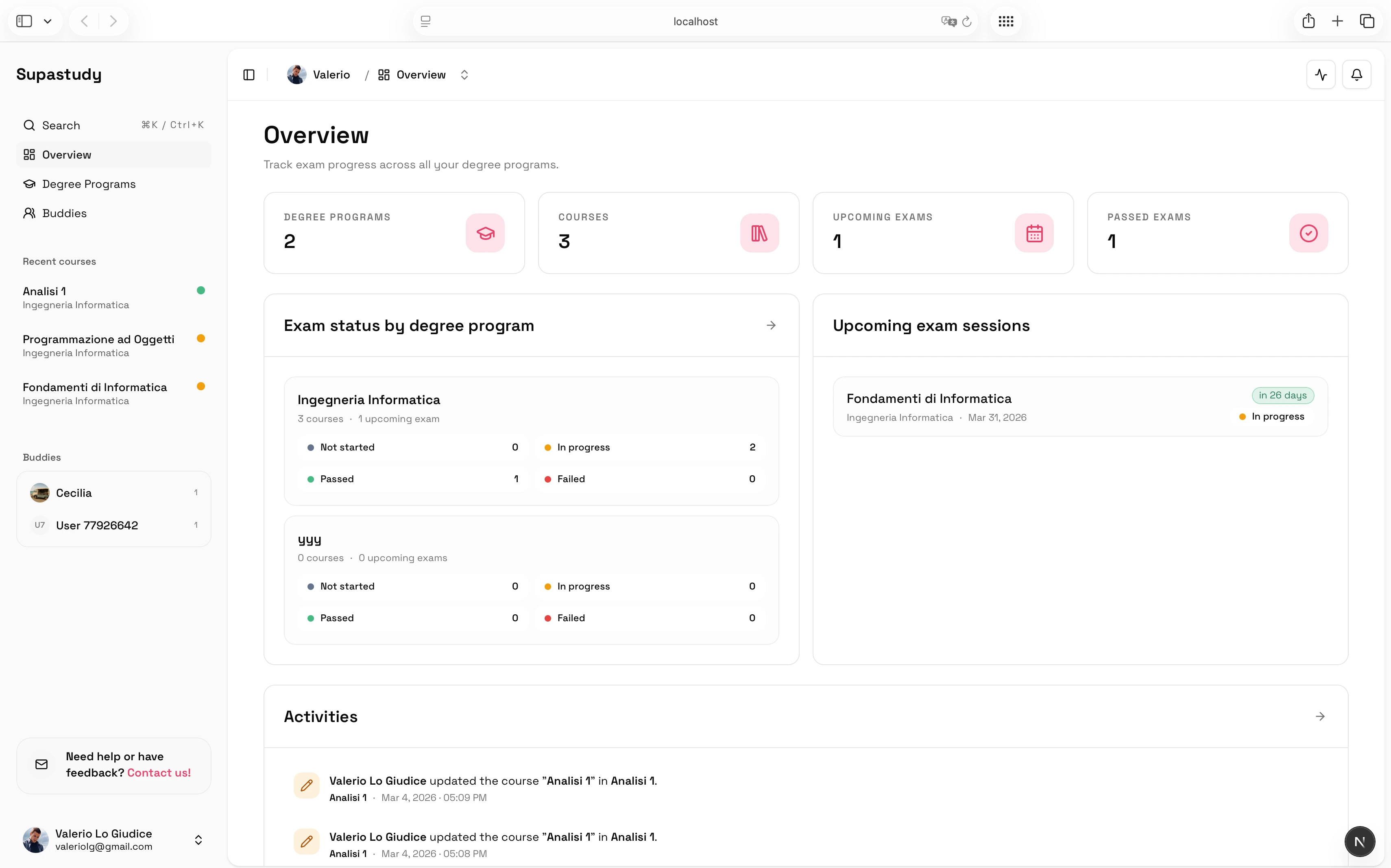
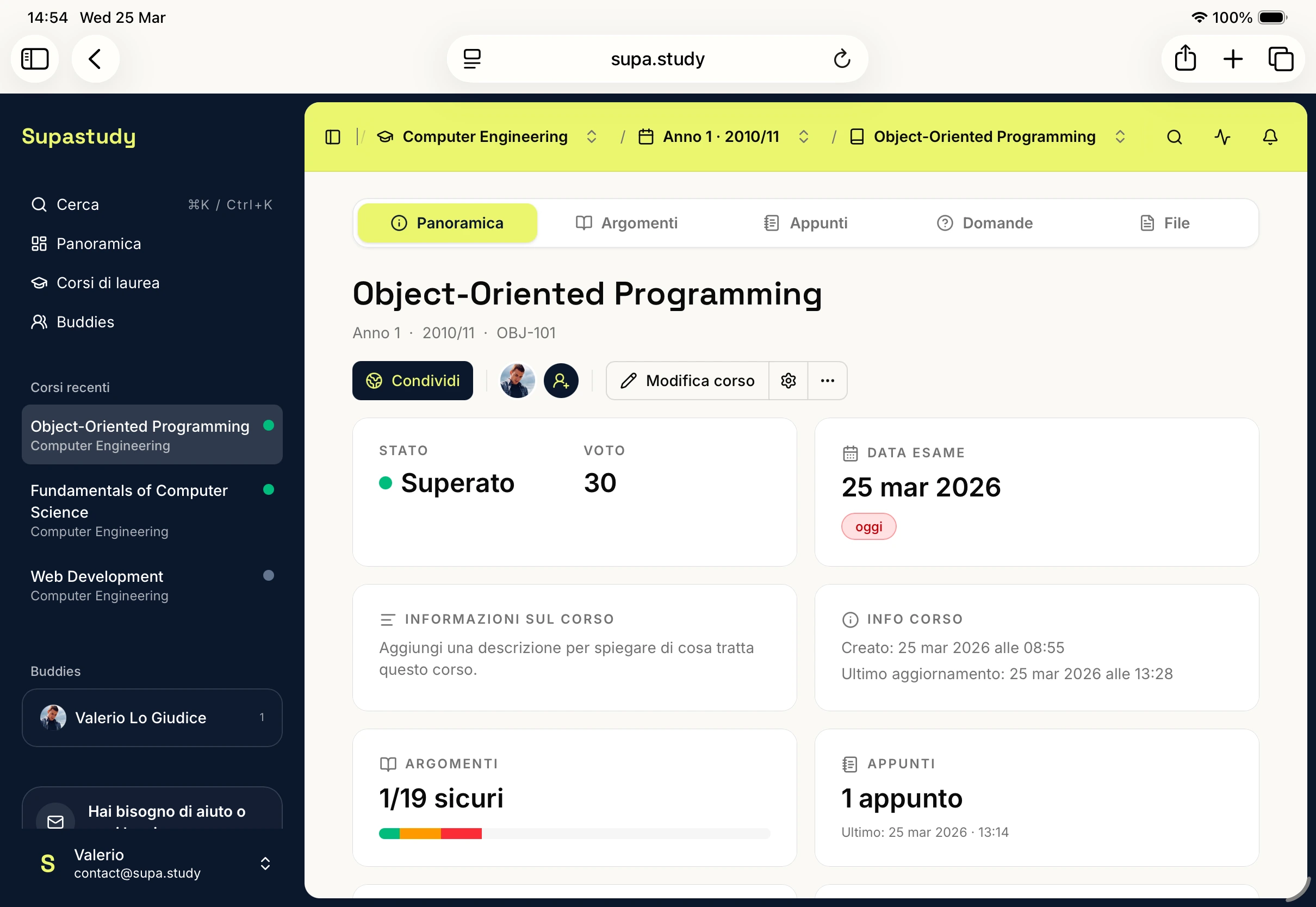
One practical study-group flow inside Supastudy begins with one person creating the course and inviting classmates. The group agrees on the topic structure for the syllabus, then starts adding notes, files, and questions inside that shared course. One classmate may upload the lecture slides, another may write a compact summary under the same chapter, and a third may turn a recurring doubt into a question so it stops resurfacing in chat. When one topic changes, only the people following that topic need to care. Mentions can pull the right classmate into the exact note, answer, or question that needs input, and accepted answers can turn resolved doubts into reusable study material.
That is a much cleaner model than telling someone to scroll up in chat and look for a file that may or may not still be easy to find.
How to keep the group useful instead of chaotic
The healthiest group-study habit is to give each item one home. If a note belongs in the course, the course should remain the main reference point instead of allowing the same material to spread across several locations. The course outline also needs to stay simple. A shared structure works best when everyone understands it, so clarity matters more than creating an elaborate taxonomy that only one person can maintain.
It also helps to move genuine doubts out of chat and into the course question system so the answer remains connected to the topic. Mentions are most effective when they support that structure rather than replace it. They are helpful when someone needs to review a summary, answer a question, or upload a missing file, but they are much less useful when they are used as a substitute for organization itself.
Another useful principle is to separate quick coordination from durable knowledge. It is completely fine to use chat for "I uploaded the file" or "can someone check this section?" The problem starts when the group leaves the file, the explanation, and the resolved answer inside chat as well. Durable study material needs a durable home.
Why this matters near exam day
Close to the exam, groups usually need fast retrieval, visibility on what is missing, and less repeated coordination. That is exactly when chat-only workflows become weakest. A structured shared course is better because the material is already organized before the pressure rises, so the group can spend more energy reviewing the course and less energy reconstructing the course.
That difference matters more than students often expect. In the last stretch before an exam, the group is no longer experimenting with resources. It is trying to answer concrete questions fast: which chapters still need notes, where is the best explanation for this concept, which doubt is still unresolved, and what changed since yesterday? A course workspace makes those answers easier to retrieve because the work has already been arranged around the syllabus instead of around the messaging timeline.
What Supastudy adds to the shared workflow
Supastudy is useful here because it treats collaboration as part of the course, not as a separate layer. Shared courses can combine role-based access, notes linked to topics, file folders inside the course, questions with accepted answers, follows and notifications for targeted updates, and mentions tied to the exact item that changed. The point is not to create "more collaboration features." The point is to make collaboration feel anchored to the work itself.
If you want to understand the visibility options in more detail, read Private Course vs Public Course: When to Use Each One.
If you want the broader explanation of why course-first structure matters, read What Is a Study Planner for University Students?.
Final takeaway
Studying with classmates gets much easier when the group stops treating chat as the main storage system. The cleaner approach is one shared course where topics, notes, files, questions, and updates all stay connected to the work itself.
If you want to build a shared course with that structure, you can start for free. If you want the plan limits and collaboration details first, check the pricing page and the FAQs.